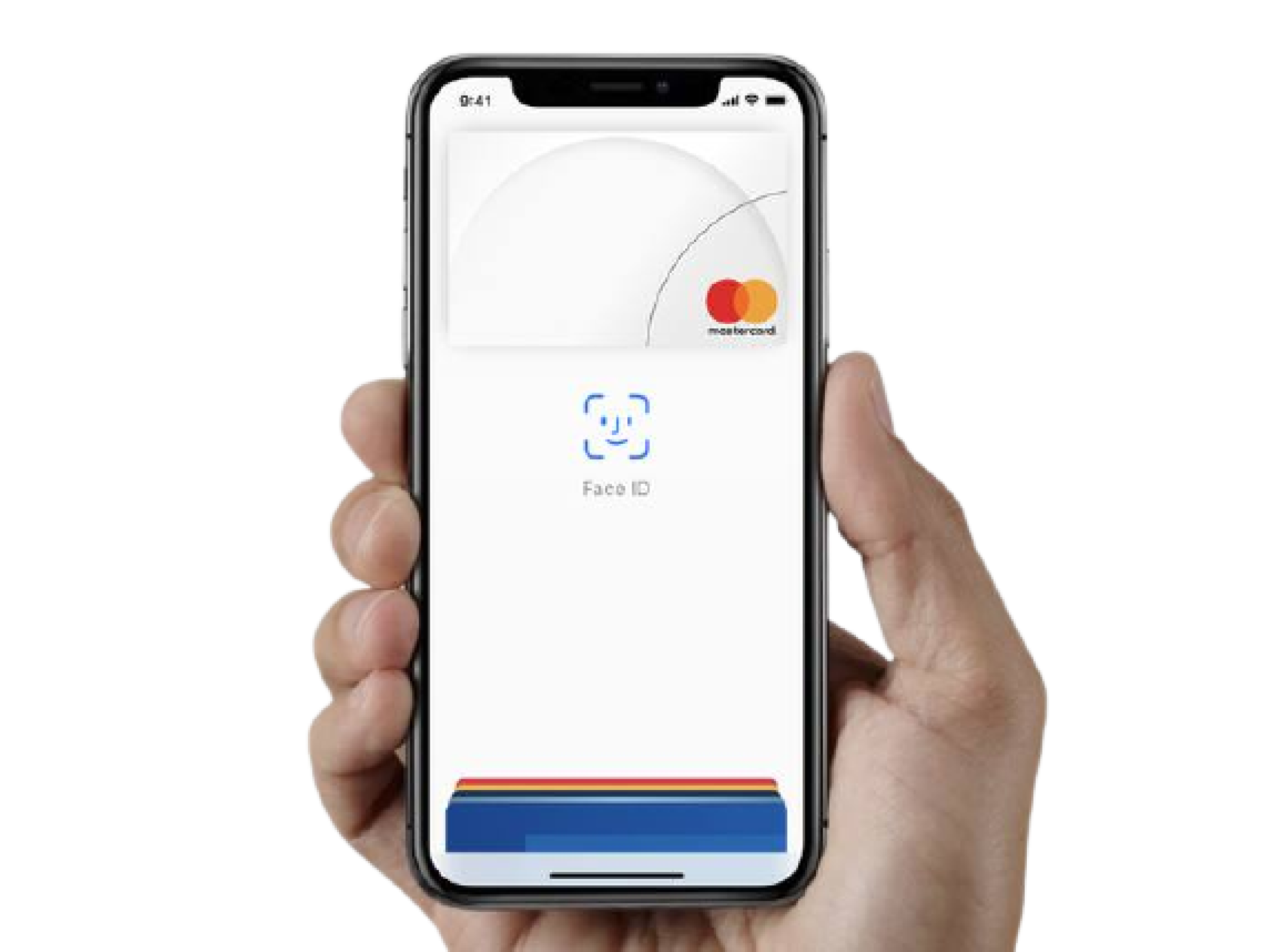
To utilize Apple Pay, ensure your preferred debit or credit card is already active in your iPhone's Wallet app. When shopping within the Amazon app, proceed to checkout as usual. If the specific vendor supports the service, Apple Pay will appear as a selectable payment method. Once selected, authenticate the purchase using Face ID or Touch ID to finalize the transaction.
For third-party vendors that do not support Apple Pay, the Apple Card remains a viable alternative. To set this up, navigate to the Account icon at the bottom of your Amazon app and select Your Payments. From the Wallet tab, tap the plus icon to add a new credit card, then manually enter your Apple Card details. This adds the card to your permanent payment methods, allowing you to secure deals throughout the Prime Day event without needing to reach for a physical wallet.



Comments (0)
No comments yet. Be the first!