
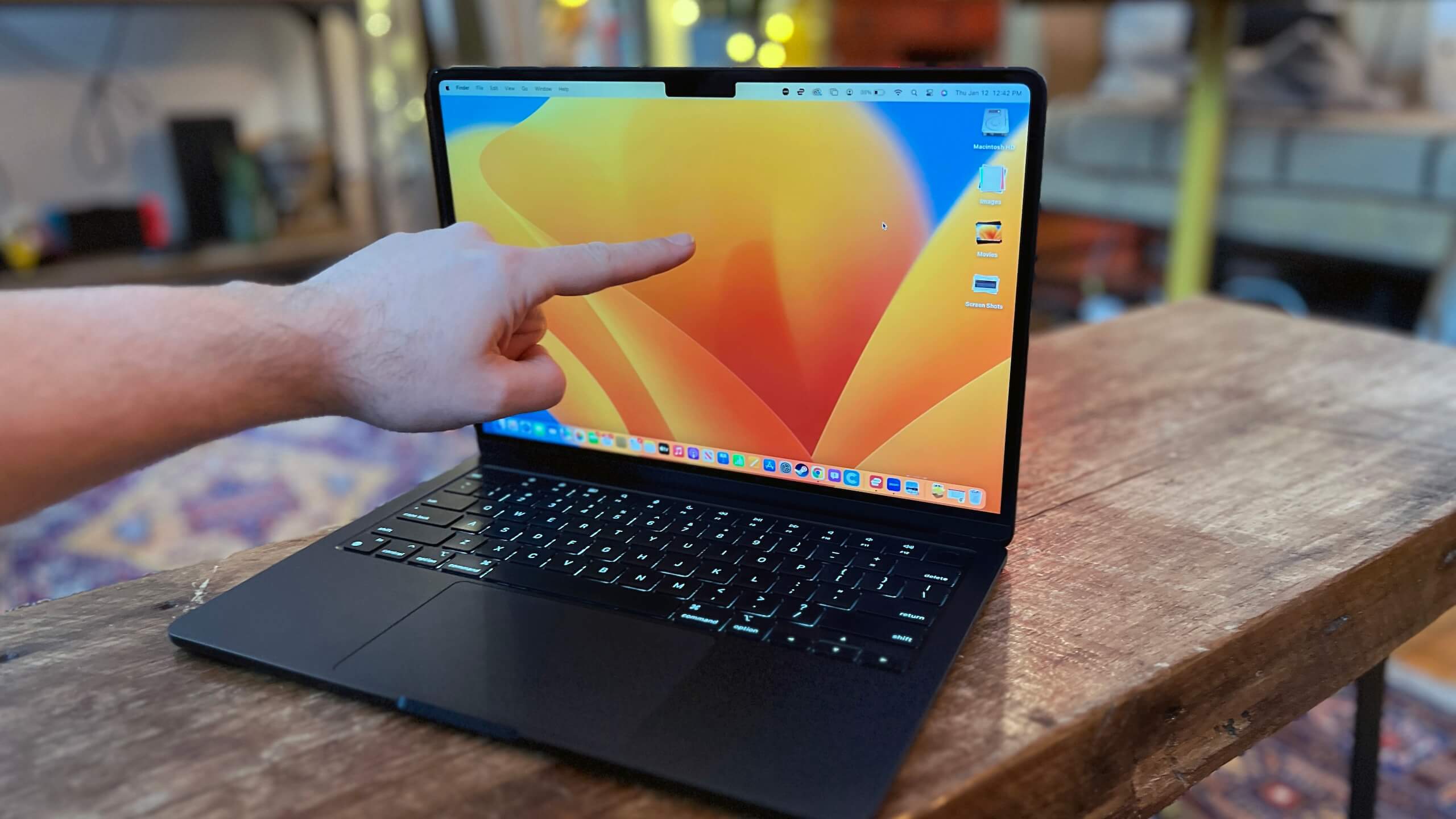
Your PC is the foundation of your setup. If it currently runs your games effectively, it can likely handle your stream as well. When shopping for an upgrade, prioritize at least 16GB of RAM, an SSD for faster loading, and a reliable graphics card like the Nvidia GeForce RTX 5060. Modern cards from Nvidia, AMD, and Intel feature built-in hardware encoders that manage video streams without sacrificing gaming performance. Given current market fluctuations, consider prebuilt systems, refurbished units, or secondary markets to stretch your budget.
Audio quality remains the most critical technical factor. Viewers will tolerate poor video resolution, but they will quickly tune out bad sound. A dedicated USB microphone, such as the Logitech Creators Blue Yeti, offers a significant improvement over standard headset mics. However, do not feel pressured to buy immediately; basic noise removal and EQ settings can make existing headset microphones sound remarkably professional. Similarly, save your budget on accessories like the Elgato Stream Deck until you are streaming regularly. A simple desk lamp pointed toward your face will often suffice for lighting until you are ready to invest in smart bulb systems like the Philips Hue starter kit.


Comments (0)
No comments yet. Be the first!