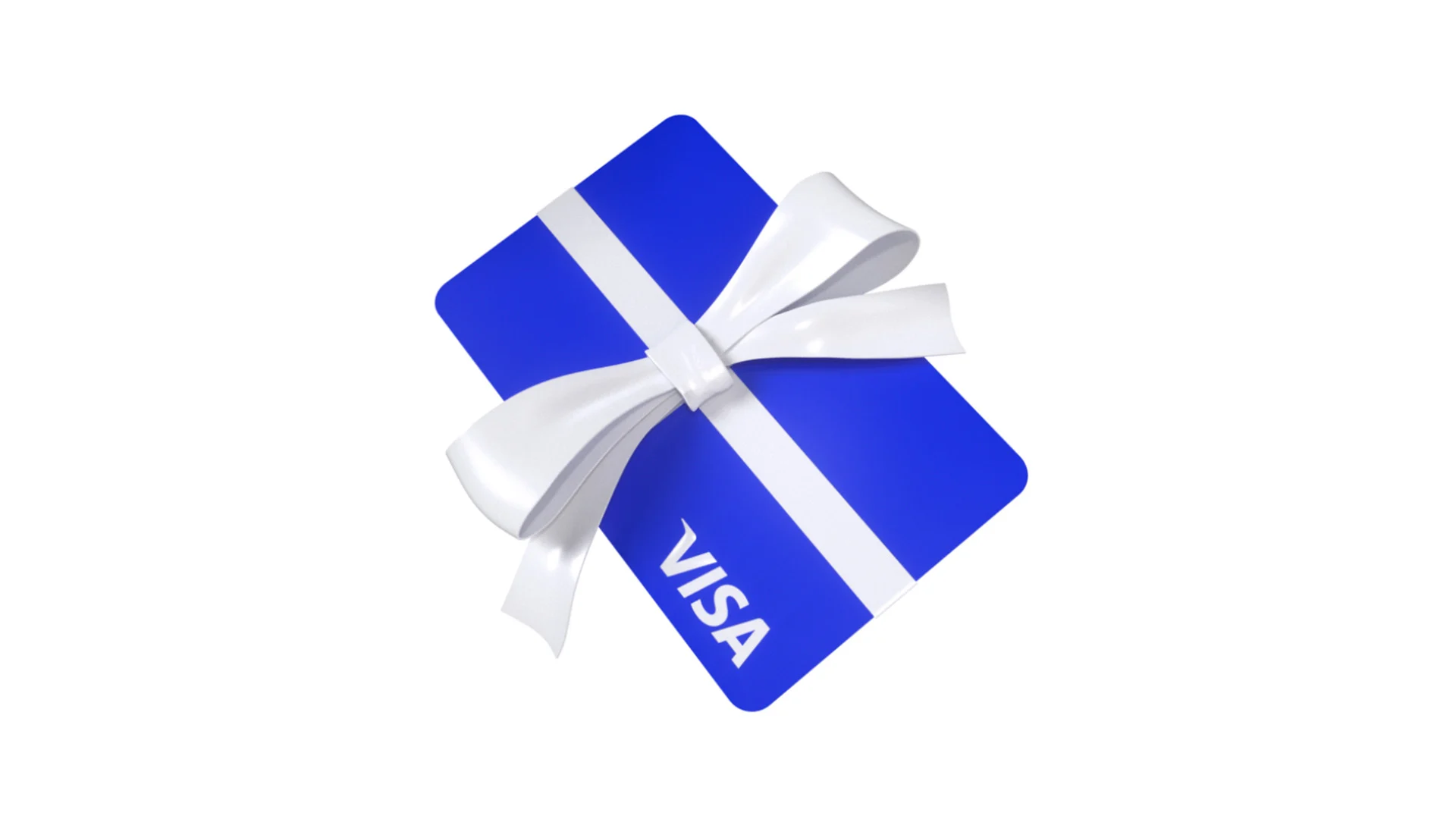
To integrate a Visa gift card into your Amazon account, treat it as a standard debit or credit card rather than a traditional gift card. Navigate to the 'Your Payments' or 'Wallet' section within your account settings, select 'Add a payment method,' and enter the card details under the credit or debit category. Since these cards lack a formal billing address, you can safely use your own address to bypass the verification prompt.
Be aware that Amazon restricts the use of these cards in two key ways: you cannot split a single transaction between multiple payment methods, and your total order cost—inclusive of taxes and shipping—must not exceed the card's available balance. If your card requires a CVV for authorization, the transaction may fail because Amazon does not prompt for this during the initial setup. To bypass these limitations, use the Visa card to purchase an Amazon gift card for the exact amount of your remaining balance. This effectively migrates the funds into your Amazon account, where they can be combined with other credits for future purchases.


Comments (0)
No comments yet. Be the first!