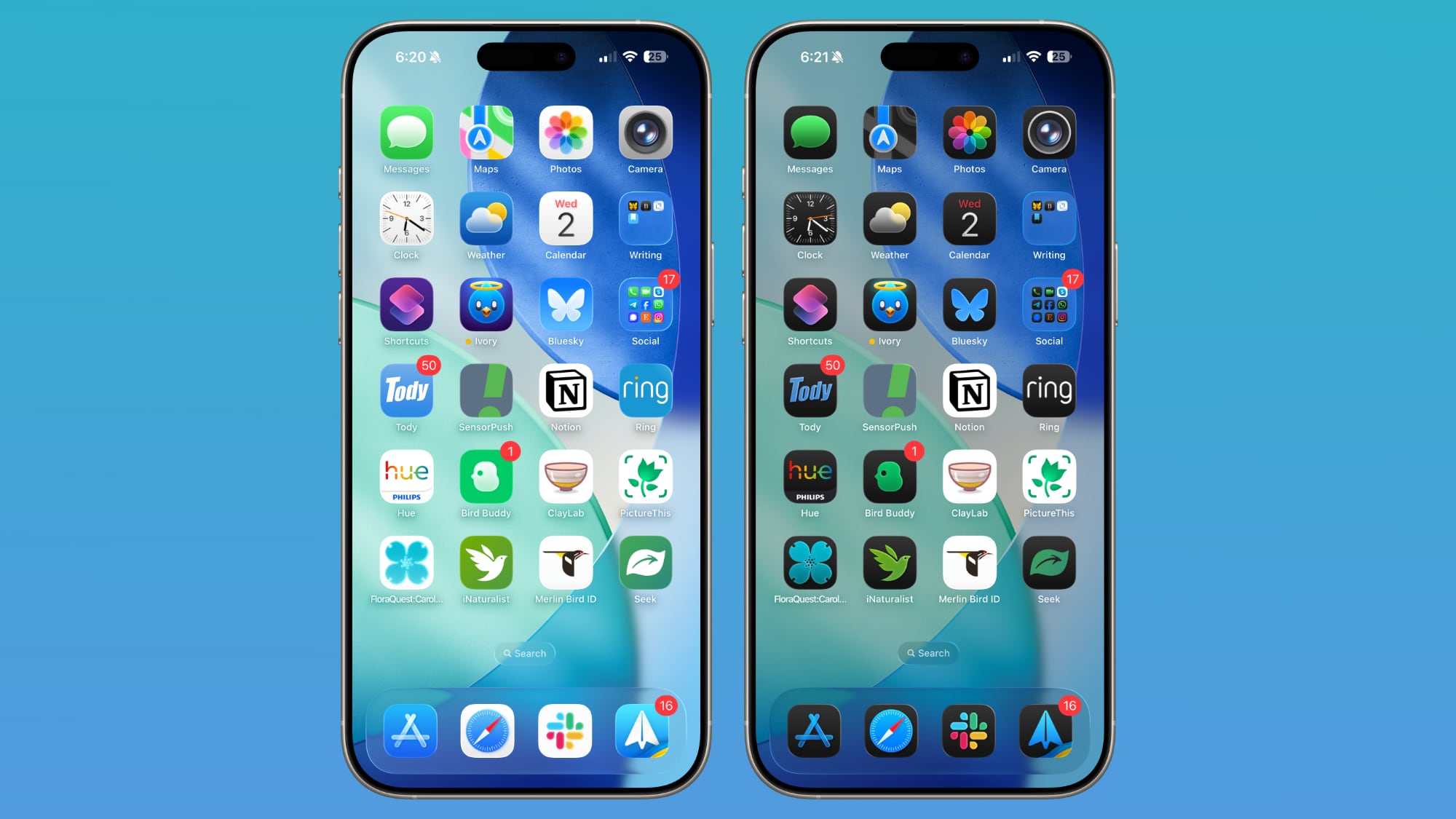
To adjust these settings, navigate to Settings, then Appearance, and select Liquid Glass. The menu features a real-time preview tool that demonstrates how text input fields interact with the background, allowing for immediate visual feedback as you manipulate the slider. Beyond this adjustment, Apple has refined the Liquid Glass system to include sharper app icons, improved contrast, and more uniform refraction to enhance overall readability.
Accessing these features requires installing the iOS 27 or iPadOS 27 developer beta. While the update offers significant customization, it remains a pre-release build. Those opting to install the software on primary devices should perform a full backup beforehand to prevent potential data loss or system instability.




Comments (0)
No comments yet. Be the first!