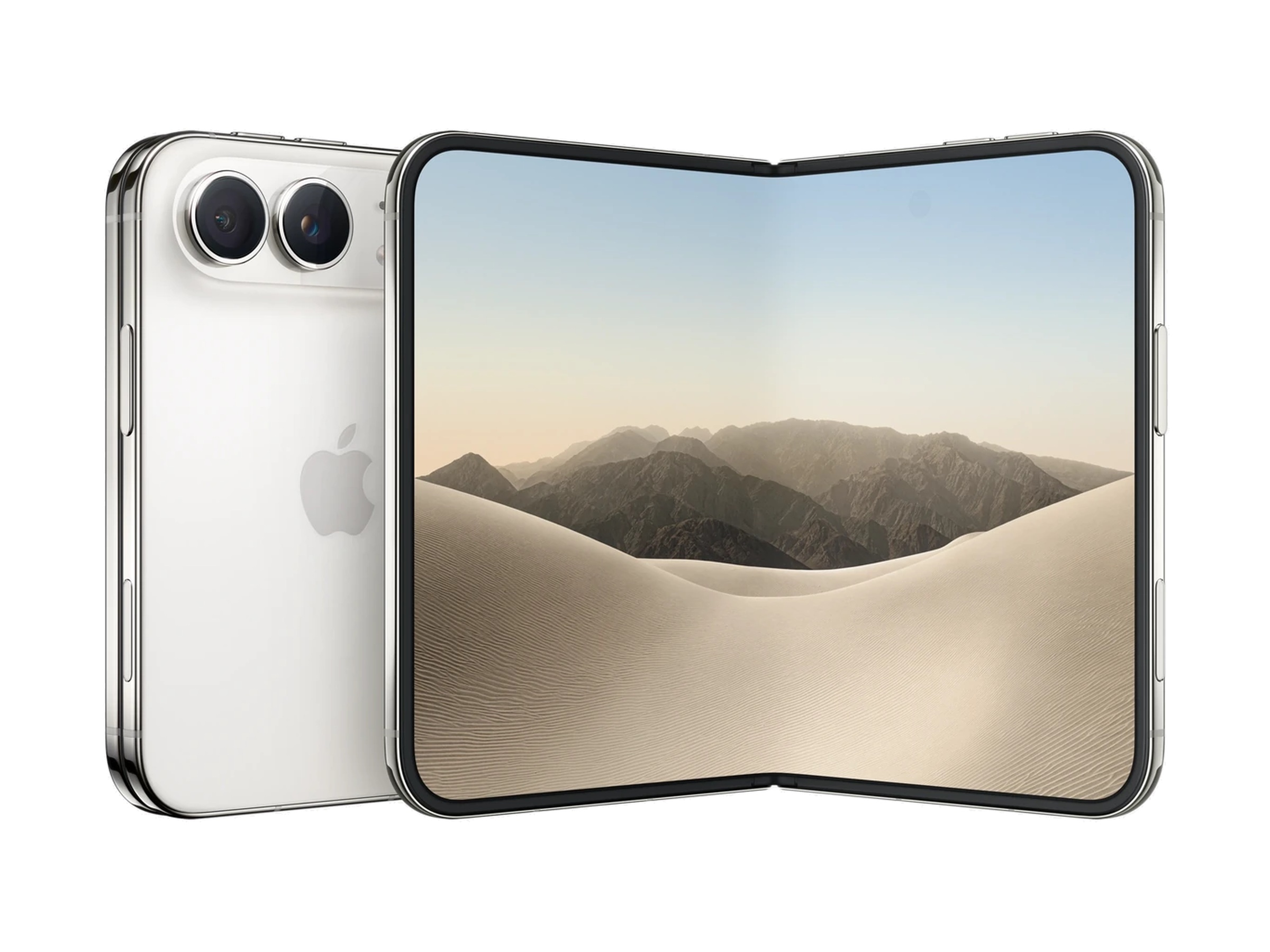
The most immediate improvement over standard iPhone hardware is the Control Center shortcut. While traditional swipe gestures often conflict with the Notification Center, the Duo allows users to tap a dedicated icon in the top-right corner—which aggregates cellular, Wi-Fi, and battery data—to trigger the menu instantly. This simple tap-to-open approach eliminates the registration errors common on edge-to-edge screens.
Orientation fatigue is a frequent hurdle with folding devices, particularly when muscle memory struggles to locate physical keys. Within the Sounds & Haptics settings, users can disable "Fixed Position Volume Controls." Once toggled off, the software dynamically reassigns the buttons so that the upper or right-most key always functions as volume-up, regardless of how the phone is rotated. Complementing this, developers like Federico Vittici have highlighted the ability to bind custom Shortcuts to the physical action of opening or closing the device, allowing for automated tasks like launching specific apps or triggering system sounds upon deployment.
Multitasking on the Duo also requires a shift in logic. While side-by-side apps are restricted to horizontal orientation, vertical users can achieve a split-screen effect by combining standard app windows with a floating picture-in-picture video player. By dragging the video window to the top of the display, the screen effectively segments, allowing for productive multitasking that takes advantage of the device's expanded vertical real estate. Finally, the StandBy mode is not limited to the "tent" configuration; when fully unfolded and propped horizontally, the device unlocks an expanded, highly customizable widget interface suitable for desk-based calendars and world clocks.

Comments (0)
No comments yet. Be the first!